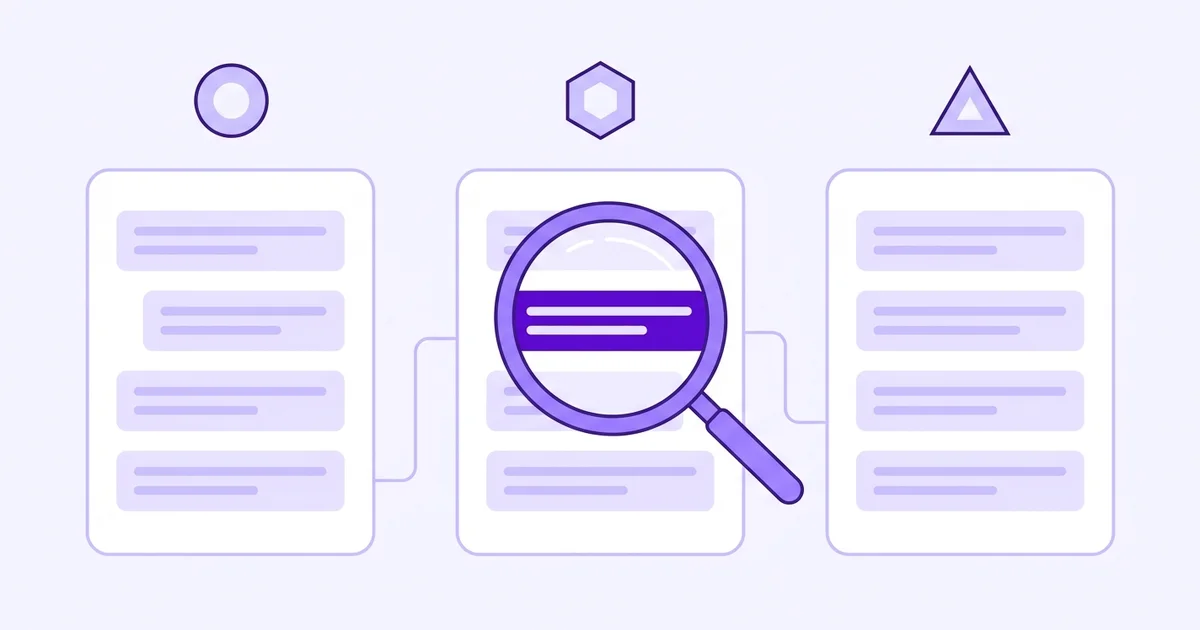
- You can check manually for free right now, by asking the questions your buyers type.
- You need to test all three engines separately: ChatGPT, Gemini, and Perplexity each pull from different sources and give different answers.
- One check tells you nothing. AI answers shift regularly, so a single snapshot is not a reliable picture.
- The manual method works fine for a one-off check. It gets impractical fast if you want ongoing visibility.
What questions should I actually ask?
Ask what your customers would ask, not what you wish they'd ask. Think about the problem your product solves, then phrase a question the way a frustrated founder would type it into a chatbot at 11pm.
That is the prompt that matters.
For a brand visibility tracking tool, the prompts might look like: "how do I know if AI mentions my brand?", "best tools to track AI brand mentions", or "how to check if Perplexity recommends my product."
Your list will look different. Cover 5 to 10 real buyer-intent questions, spread across what your product does and the category it sits in.
Note: "Buyer-intent question" just means a question someone asks when they have a real problem and are looking for a solution, not just general curiosity. These are the prompts where being mentioned actually leads to a potential customer.
One prompt is not enough. AI engines surface different sources for small changes in wording, and they fan a single question out into several related sub-searches before answering (Search Engine Land, 2025).
You need a spread.
How do I run the check across all three engines?
Open each engine in a separate tab and run your list of prompts one by one. Then note down what you find.
- Open ChatGPT, Gemini, and Perplexity side by side.
- Paste each prompt into all three, one at a time.
- Read the full answer, not just the first paragraph.
- Note whether your brand name appears, and if so, where and in what context.
- Note which competitor names appear too, because that is equally useful.
- Save your results in a spreadsheet so you have a record to compare later.
One important thing: start a fresh conversation in each engine between prompt sessions. Previous answers can influence how a session responds, and you want clean, independent results.
Running 10 prompts across 3 engines means 30 individual tests. That is roughly 30 to 45 minutes the first time you do it properly.
What does a good result look like vs a bad one?
A good result is your brand name appearing naturally in an answer, ideally with a brief description of what you do and a link or reference to your site. Even better is appearing in a comparison or a list of recommended tools.
A bad result is your brand not appearing at all, or a competitor being named where you'd expect your product to be. That is not a failure, it is data.
It tells you exactly what gap you need to close.
Note: You are not looking for a perfect score. You are building a baseline. If you appear in 3 out of 30 prompts today, and 9 out of 30 in six weeks after making changes, that is real progress you can act on.
According to Rand Fishkin of SparkToro, who has tracked AI answer inclusion across thousands of queries, brands that appear consistently in AI answers tend to have the most mentions across independent, trusted sources. One check gives you a snapshot.
The pattern over time tells the real story.
Why do I need to check all three engines separately?
Because they give genuinely different answers. ChatGPT, Gemini, and Perplexity each have different training data, different browsing behaviour, and different source preferences.
A brand that appears confidently in Perplexity might be completely absent from Gemini.
In our experience working with SaaS founders, most people only check ChatGPT, assume the result represents AI search broadly, and miss the full picture. Perplexity in particular tends to surface newer and more niche brands faster than the others, because it indexes live web results more aggressively.
If you are a newer brand, Perplexity is often where you appear first.
That also means a bad ChatGPT result does not mean you are invisible everywhere.
How do I know if the answer actually changed?
You compare it against a previous check. Most founders skip saving their baseline results and then have no reference point six weeks later.
Write down what each engine says today, with the date, before you change anything.
Then recheck after each deliberate action: a new directory listing, a comparison post that mentions you, a new FAQ page. Give it two to three weeks between checks for pages to get indexed and for the engines to update.
The frustrating reality is that AI answers do not update in real time. Perplexity refreshes fastest, often within days of a page being indexed.
ChatGPT's browsing mode is faster than its base knowledge but still inconsistent. Gemini sits somewhere in between.
None of them give you an instant signal. Here is how the three compare when you recheck:
| Engine | How fast changes show up | What to expect |
|---|---|---|
| ChatGPT | Browsing mode is faster than base knowledge, but inconsistent | A bad result here does not mean you are invisible everywhere |
| Gemini | Somewhere in between | A brand that appears in Perplexity can be completely absent |
| Perplexity | Often within days of a page being indexed | Tends to surface newer and more niche brands first |
For a full breakdown of what changes to watch and how often, read our guide on how to track brand visibility in AI search.
The honest trade-off of doing this manually
Manual checks are free and a good starting point. Do them once to get your baseline.
The problem is doing it regularly. Thirty tests across three engines, every two weeks, adds up fast.
It also relies on your memory to notice subtle changes in how you are described, not just whether you appear.
AI answers also vary based on how a prompt is phrased and what day it is. You can run the same prompt twice and get slightly different answers.
A single manual session can give you a false sense of security or a false sense of failure.
Once you have your baseline, the next step is acting on what you found. See our guide on how to get your brand mentioned by ChatGPT for the practical steps.